


If you engage in online casino games for hours, you start to notice how your computer behaves. Does the fan get louder? Do things start to feel sluggish? I wanted to know precisely how Hollywincasino performs in this aspect, especially for players here in Canada. So, I ran it through a battery of tests, replicating how a real person might use it: jumping from slots to live tables, checking out promotions, and returning back days later. This isn’t about the games themselves, but about the technical engine working underneath. I monitored its memory use to check if it stays efficient or if it slows down your device over time.
Methodology of the Memory Footprint Comparison
I set up a regulated test to acquire dependable numbers. My principal machine was a standard Windows 11 laptop with 16GB of RAM, hooked up to a solid home internet line. I employed Google Chrome with all add-ons deactivated to prevent distorting the results. The browser’s own task manager gave me the memory readings. My test script was straightforward: start Hollywin, record the beginning memory, then access the lobby, spin a video slot for twenty minutes, participate in a live blackjack table, and view the promotions. I logged the memory footprint at each step. I repeated this whole process three different times to detect any strange patterns. To tailor it for Canada, I conducted tests during busy evening hours when servers might be stressed. I also carried out a additional run on an aging laptop with only 8GB of RAM to see how it handles under pressure.
Initial Load and Lobby Memory Footprint
When you initially launch Hollywin Casino, it requires a significant portion of memory. The browser tab settled at about 450MB. That’s pretty reasonable for a site with a eye-catching lobby full of moving banners and crisp game icons. Once everything loaded in, the memory use held constant. It didn’t steadily rise while I just stayed put looking at the lobby, which is a strong signal the software is handling memory well. For Canadians on less speedy rural links or with data caps, this efficient beginning is a plus. You enter quickly without a massive upfront resource drain. I also observed the site uses “lazy loading” for game icons. This signifies it only fetches the detailed pictures as you move down the page, which is a wise approach for people with unreliable internet from across the country.
Multi-Tab and Multi-Session Analysis
People commonly have multiple tab open, or revisit the site over multiple days. I checked this by having Hollywin in two tabs—one tab with a slot, the second on the lobby. Overall memory usage was essentially the sum of each tab’s memory, with only a minimal amount of shared-resource savings. The more telling test happened over a week. I started three separate sessions on separate days. Every new visit had a similar memory profile. The site showed no lingering bloat from my prior sessions. This consistency counts if you don’t want to restart your browser every day just to maintain performance. I also kept a session open in a background tab through the night. When I returned to it the following morning, memory use had not risen and the tab remained responsive. That is excellent for players who enjoy taking extended breaks and continue from the same point.
Effect of Live Dealer Sessions on Performance
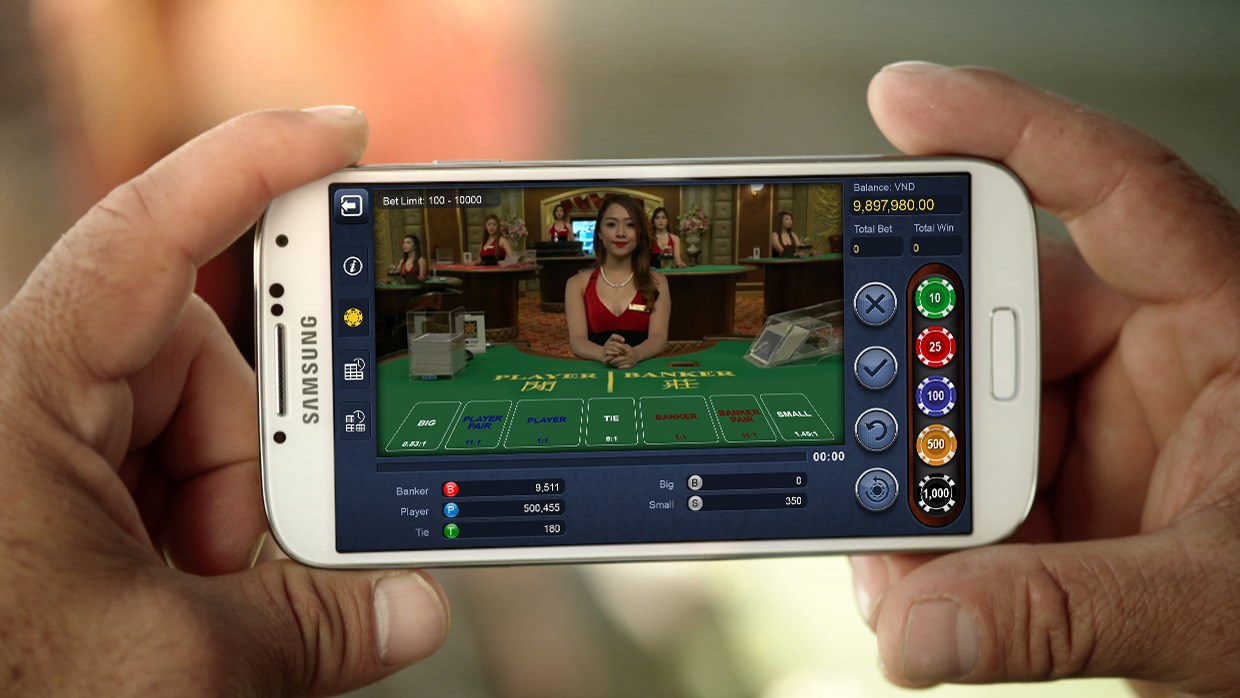
Live dealer games are the most demanding lift for any casino site, and Hollywin was no exception. Entering a live blackjack or roulette table caused the largest memory jump. The tab’s total use often fell between 900MB and 1.1GB. This is logical when you think about the HD video stream, the live chat, and all the real-time betting data. The usage held steady while I played. When I exited the table and went back to the lobby, a good portion of that memory was cleared, though not always all the way back to the starting point. To get a completely fresh start, you might need to close the tab and reopen it. One clear detail: a roulette table with multiple camera angles used more memory than a single-view blackjack table. If your device is having trouble, that’s a helpful thing to know.
Potential Causes of High Memory Usage
Even though Hollywin performed well, particular conditions on your end can still lead to high memory use. The biggest culprit is typically an outdated browser. Older versions are missing the memory management tricks and speedier JS engines of current versions. Although Hollywin isn’t cluttered with ads, auto-playing high-resolution video promotions in the background can contribute to the strain. Furthermore, add-ons are a frequent variable. Password managers, ad-blocking tools, and cryptocurrency wallet add-ons can at times interfere with web apps, increasing memory overhead. PC users should remember that background system operations can hog RAM. In cases where your antivirus decides to run a scan or Windows Update operates behind the scenes, it can starve the browser for resources. In those cases, the casino tab may appear sluggish when the true cause is elsewhere on your system.
Optimization Tips for Canadian Players
From the data I collected, here are some practical steps you can implement to smooth out your Hollywin gameplay, notably on aging computers or devices with limited memory. These tips come directly from what I noticed during testing.
- Terminate other browser tabs and background programs before you start playing. This is critical before you enter a live dealer room, as it releases essential RAM.
- Purge your browser’s cache and cookies for Hollywin every few weeks. Stored old data can degrade performance over time and lead to issues with outdated scripts.
- Think about using a browser you reserve just for gaming during long sessions. A clean browser profile with no or no extensions often delivers the best performance.
- If you feel things slowing down after a couple of hours of non-stop play, try just refreshing the casino tab. This triggers a fresh memory state and flushes temporary data.
- Keep your browser and operating system up to date. Updates frequently include behind-the-scenes improvements for JavaScript and HTML5 performance, which influence memory management.
- Look for a streaming quality setting in the live dealer game. Toggling from “HD” to a “Standard” stream can significantly reduce your system’s memory.
RAM Consumption During Slot Gameplay
Clicking into a modern video slot is where it becomes more intensive. Launching a popular HTML5 slot with lots of animations and sounds contributed another 150 to 250 megabytes to the tab’s total. The key finding was consistency. That number stayed flat during a solid twenty minutes of spinning. I observed no signs of a memory leak, where the game progressively grabs memory it doesn’t need. When I moved between three different slot games back-to-back, the memory would rise for each new title but then plateau. It looks like the platform frees the old game’s assets to make room for the new one. Slots with fancy 3D bonus rounds drove consumption toward the top of that range, but even then, most computers from the last five years can manage it without complaint.
Contrast with Alternative Major Casino Platforms
How does Hollywin measure up against the competition? I ran the same tests on two additional big casino sites that are also popular in Canada. The results were telling. One competitor started with a lighter memory footprint, but its usage slowly grew during slot play, adding maybe 50-100MB per hour—a classic, if minor, memory leak. Another site had a much heavier live dealer setup, consistently pushing memory over 1.5GB per tab and being slow to free it when you left. Hollywin struck a middle ground. It wasn’t the absolute lightest, but it was steady and foreseeable. For a user, predictable performance is often better than a low starting number that gets worse over time. You can plan your device usage around it. In a market like Canada, where players use everything from brand-new gaming rigs to older laptops, this equilibrium of features and stability is a solid technical win.
Long-Term Stability and Memory Leak Assessment
The final and most significant test was for memory leaks. A leak indicates the software slowly consumes more and more memory without releasing it, eventually halting your session. I ran a marathon test, maintaining a Hollywin session live for over four hours while constantly moving between games, the lobby, and promotions. The memory graph displayed predictable peaks during heavy actions and valleys when I returned to the lobby. The crucial point is that the baseline after each cycle didn’t keep climbing. The final memory usage was higher than the start—some caching is normal—but it wasn’t out of control. This shows strong long-term stability in the platform’s code. For Canadian players who prefer long weekend sessions or who leave the casino open all day, this reliability is a major benefit. It indicates the developers focused to cleaning up event listeners and unloading assets properly, which pays off for every user, regardless of their hardware.
